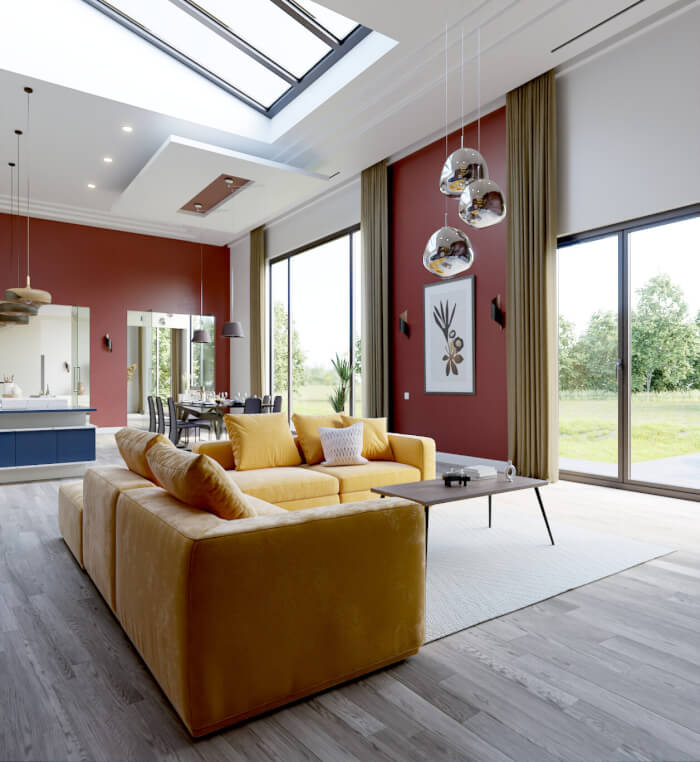
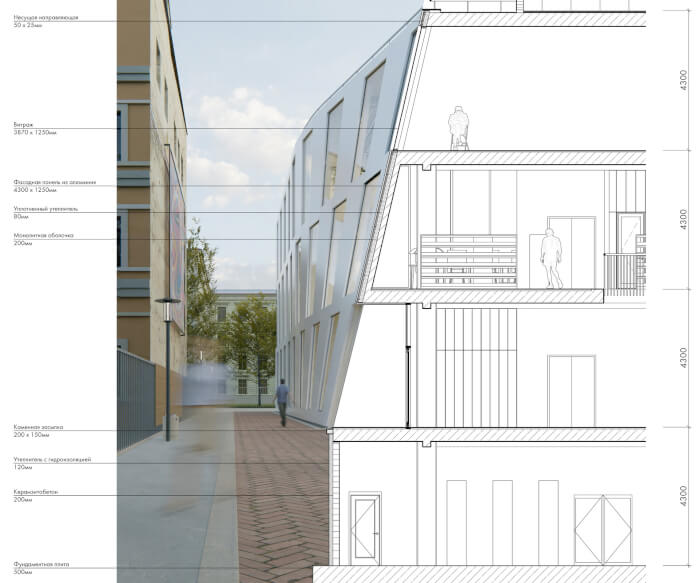
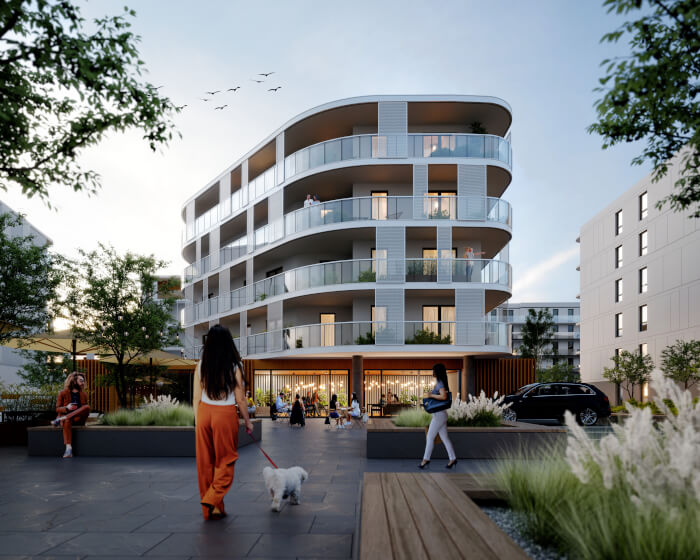
Interior visualization using area lights (Cycles)
When you are developing your skills related to architectural visualization and interior rendering, a great way to improve them is with practice. From that experience, you gather information and insights to use in a commissioned project when a deadline is critical for delivering satisfactory results. That was the case with a project shared by artist Tobias Schmid and posted at the Blender Artists forums.
He was trying to render interiors as a way to practice interior his interior rendering settings, and also test materials for Cycles.
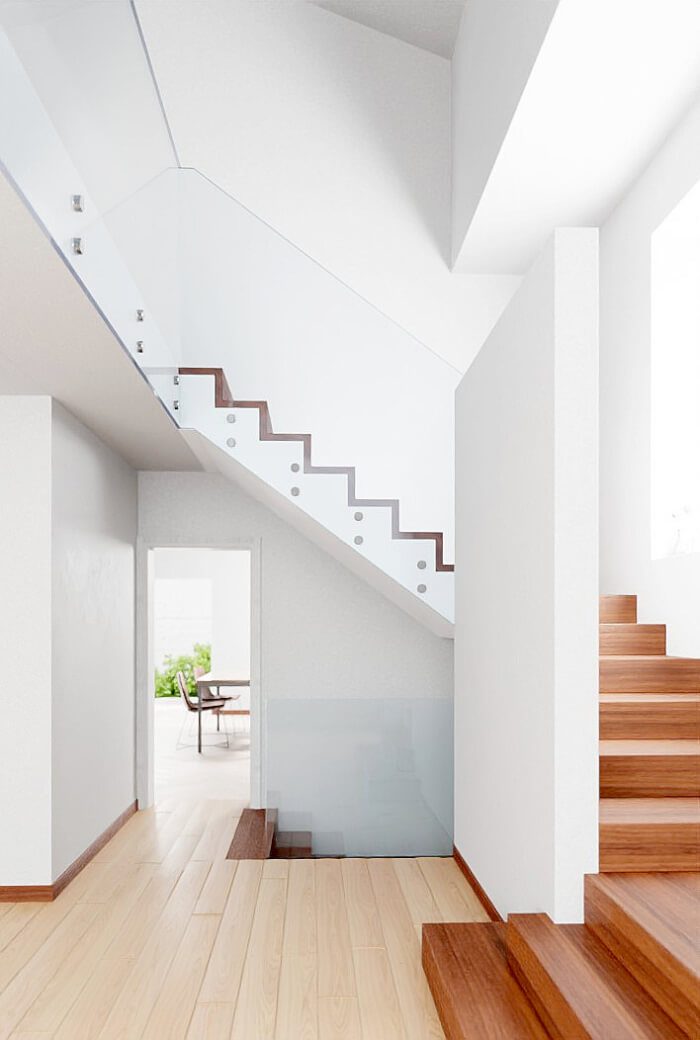
If you also want to learn from this project, the artist was kind enough to share settings used to render the project and even some the Nodes for materials.
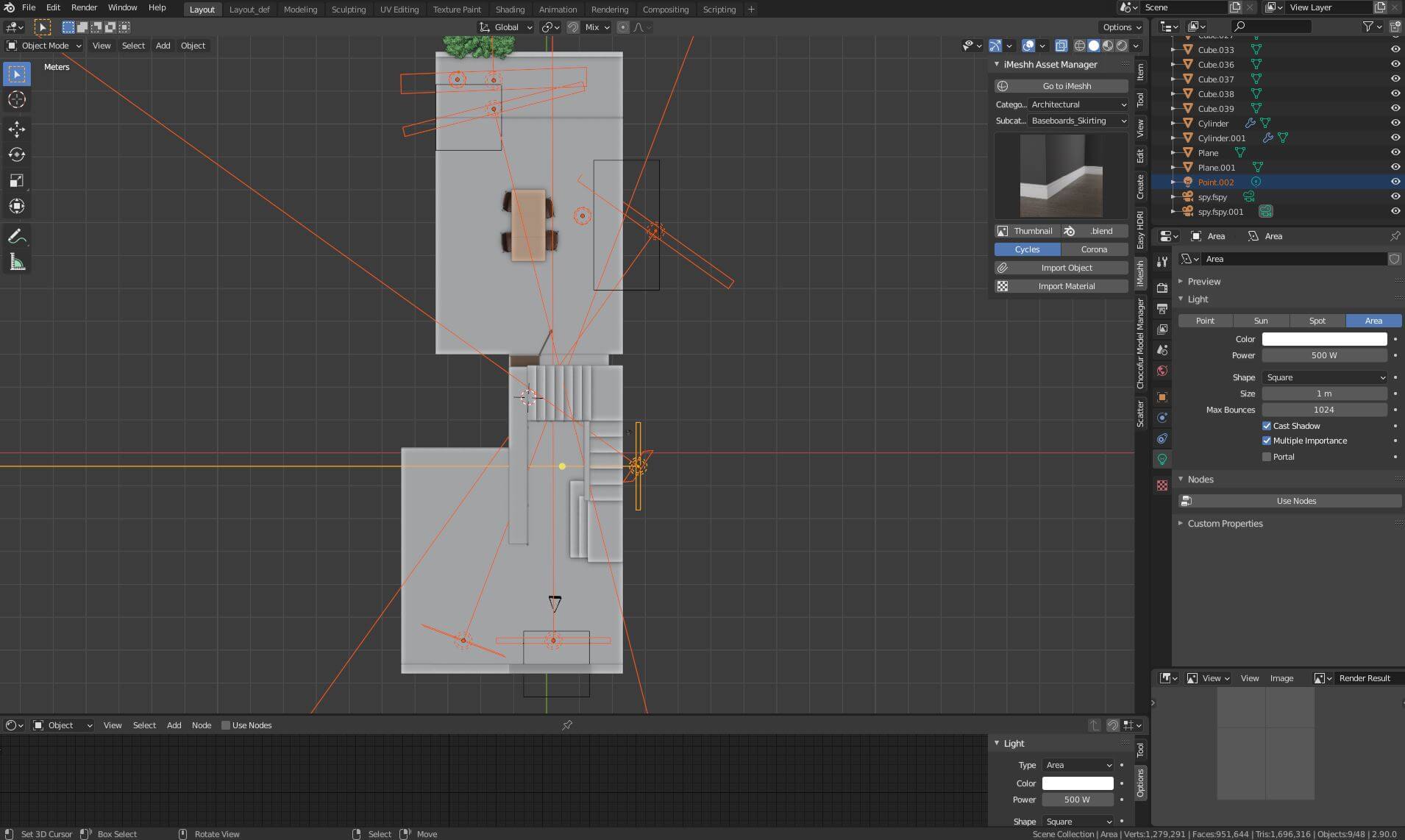
(Click to enlarge)
He uses quite a lot of Area Lights in the project, which is typical for interior rendering. A popular way of setting up interiors is with the placement of Area Lights in each one of the windows to potentialize the “natural” light effect coming from the environment.
To learn more about the project, you should visit the project’s link, where the artist shares many more screenshots and settings.
Using Blender for architecture
Do you want to use Blender for architecture or render your projects using Cycles or Eevee? We have three books available that could help you!
They cover the use of Blender for producing architectural content and also all information you need to render projects in real-time:
- Blender 2.9 for architecture: Modeling and rendering with Eevee and Cycles
- Blender 2.8 parametric modeling: Drivers, Custom Properties, and Shape Keys for 3D modeling
- Blender 3.0: The beginner's guide
- Blender 2.8 for technical drawing
- Blender Eevee: The guide to real-time rendering with Blender 2.8
You can get them in both digital and paperback formats. By ordering those books, you will not only improve your skills with Blender for architecture but also support Blender 3D Architect.